

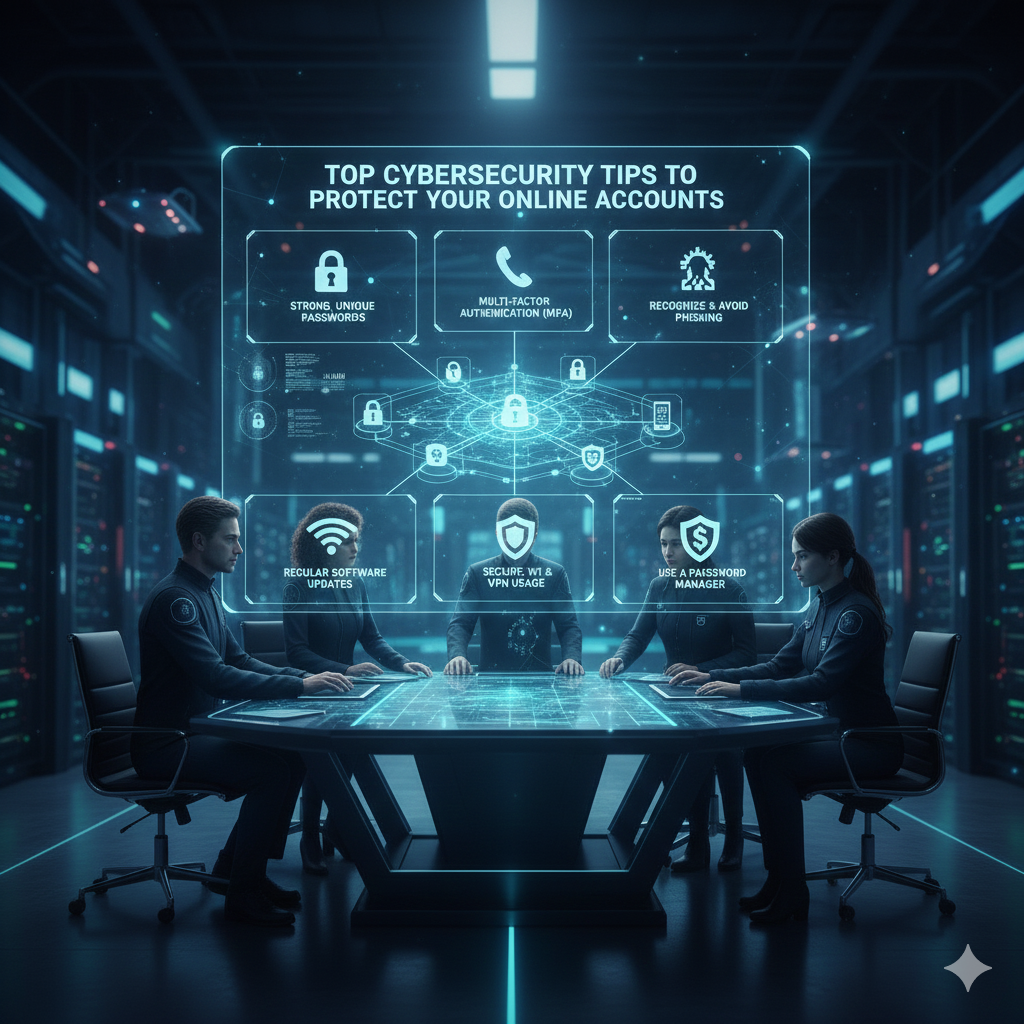
In today’s digital world, cybercriminals are becoming smarter — but with the right habits, you can stay one step ahead. Here are the top cybersecurity tips to keep your online accounts safe and your data protected.
1. Use Strong & Unique Passwords
Avoid simple passwords like 123456, password, or your birthday.
A strong password should include:
- Uppercase & lowercase letters
- Numbers
- Special characters
- At least 12–16 characters
👉 Never reuse the same password on multiple websites. One leak can expose everything.
2. Enable Two-Factor Authentication (2FA)
2FA adds an extra layer of security. Even if your password is stolen, hackers still can’t log in without the second verification step.
Best options:
- Authenticator apps (Google Authenticator, Authy, Microsoft Authenticator)
- Hardware keys (YubiKey)
Avoid SMS when possible — it’s less secure than authenticator apps.
3. Beware of Phishing Scams
Hackers often send fake emails or messages pretending to be your bank, social media, or delivery service.
Look for red flags:
- Urgent messages (“Your account will close in 24 hours!”)
- Suspicious links
- Incorrect grammar
- Unknown senders
👉 Never click on links unless you’re sure they’re legitimate.
4. Keep Your Devices & Apps Updated
Updates fix security vulnerabilities that hackers can exploit.
Update regularly:
- Windows / macOS
- Android / iOS
- Browsers
- Apps
- Antivirus software
Turn on automatic updates where possible.
5. Use a Password Manager
Password managers help you:
- Create strong, unique passwords
- Store them safely
- Auto-fill them securely
Popular options: Bitwarden, LastPass, 1Password, NordPass.
6. Don’t Use Public Wi-Fi for Sensitive Tasks
Public networks (cafes, airports, malls) are easy to hack.
Avoid logging into:
- Banking apps
- Social media
- Work accounts
If you must use public Wi-Fi, use a VPN for protection.
7. Monitor Your Accounts Regularly
Check your:
- Login activity
- Devices connected
- Recent password resets
- Security notifications
Enable alerts for suspicious activity.
8. Limit What You Share Online
Cybercriminals can use your public data (birthday, address, pet’s name) to guess passwords or answer security questions.
Be careful about what you post on:
- TikTok
9. Log Out of Accounts on Shared Devices
If you use public or shared computers, always:
- Log out
- Clear browser history
- Avoid saving passwords
10. Use Secure Backup Methods
Back up important data using:
- Encrypted cloud storage
- External hard drives
This protects you from:
- Ransomware
- Device loss
- Hardware failure
Final Thoughts
Cybersecurity isn’t complicated — it’s about building strong habits.
By using strong passwords, enabling 2FA, staying alert for phishing scams, and keeping devices updated, you can drastically reduce your risk of being hacked.













Leave a Reply